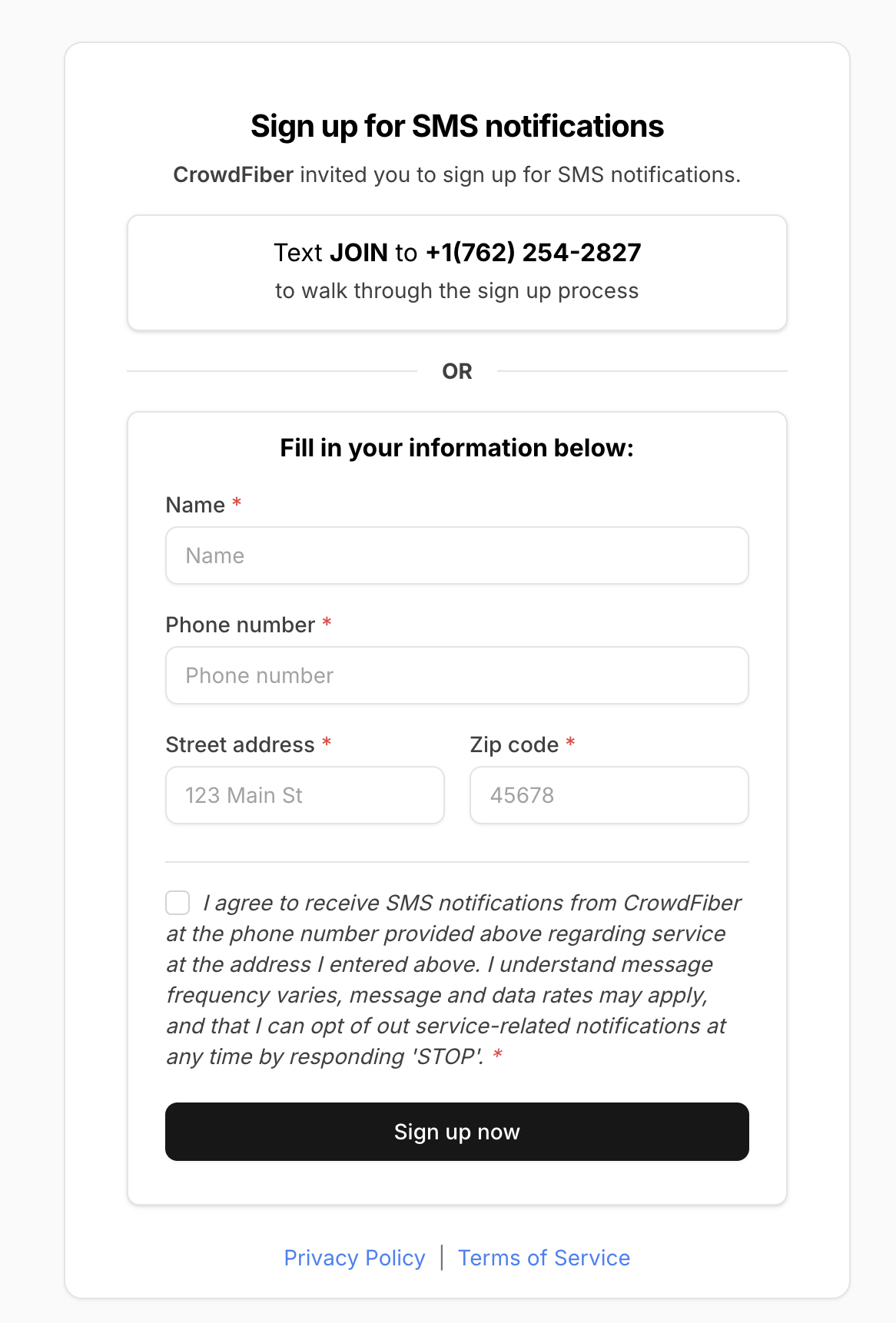
Account Sign-Up Link
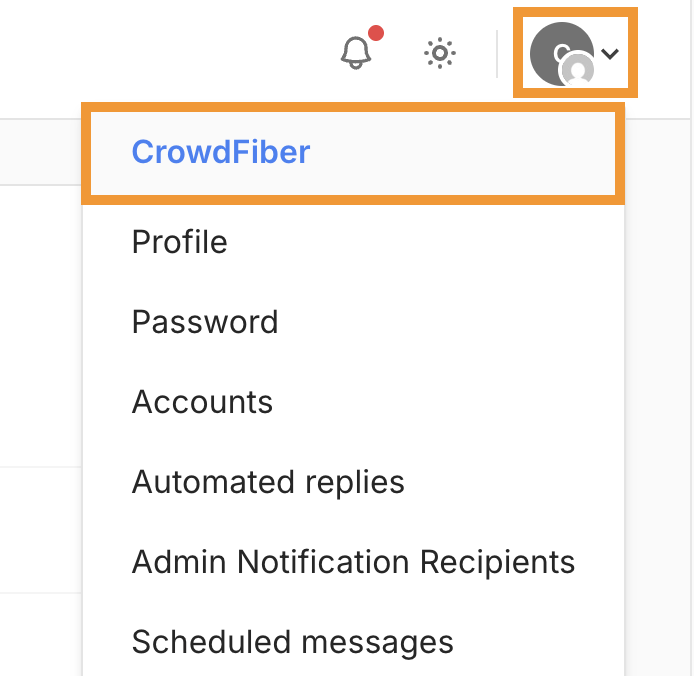
This link can be used to invite your customer to sign up for SMS notfications and can be found by navigating to the account page using the menu in the top-right corner and selecting "Account".
1. Navigate to Accounts from the menu at the top right corner of your page.
2. Scroll to the bottom of this accounts page.
- This page will display all current users, a button to Invite A User, your Account UUID, and the Account Sign-Up Link at the very bottom.
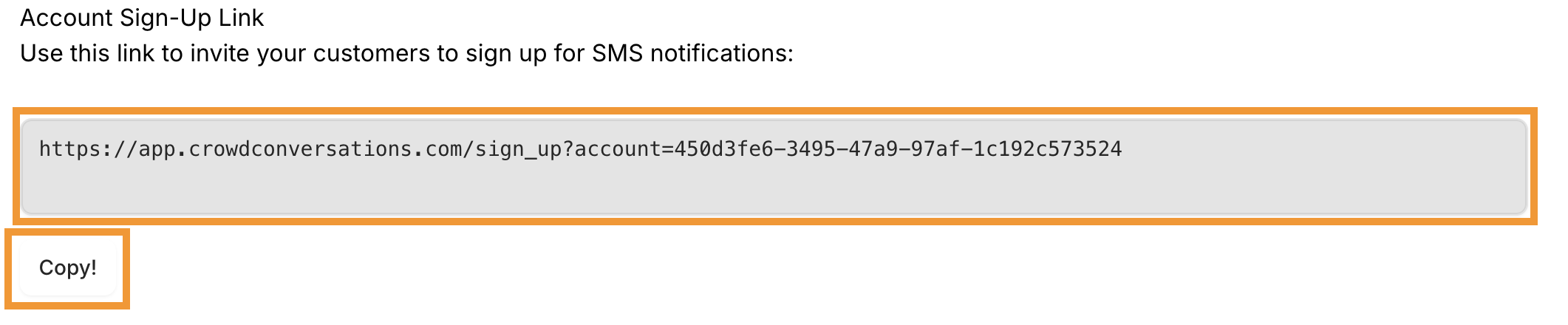
3. This link can be quickly copied and pasted into the search bar of a browser to display an opt-in page that end users may interact with and opt into receiving messages.