Admin Email Notifications
Setting Up Email Notifications in CrowdConversations
The email notifications feature allows designated personnel to receive email notifications for inbound messages, end user created contacts, or both!
Setting Up Notification Recipients
To create a recipient for email notifications:
-
Navigate to the relevant page in the platform for email notifications.
.png)
-
Click "New Admin Notification".
.png)
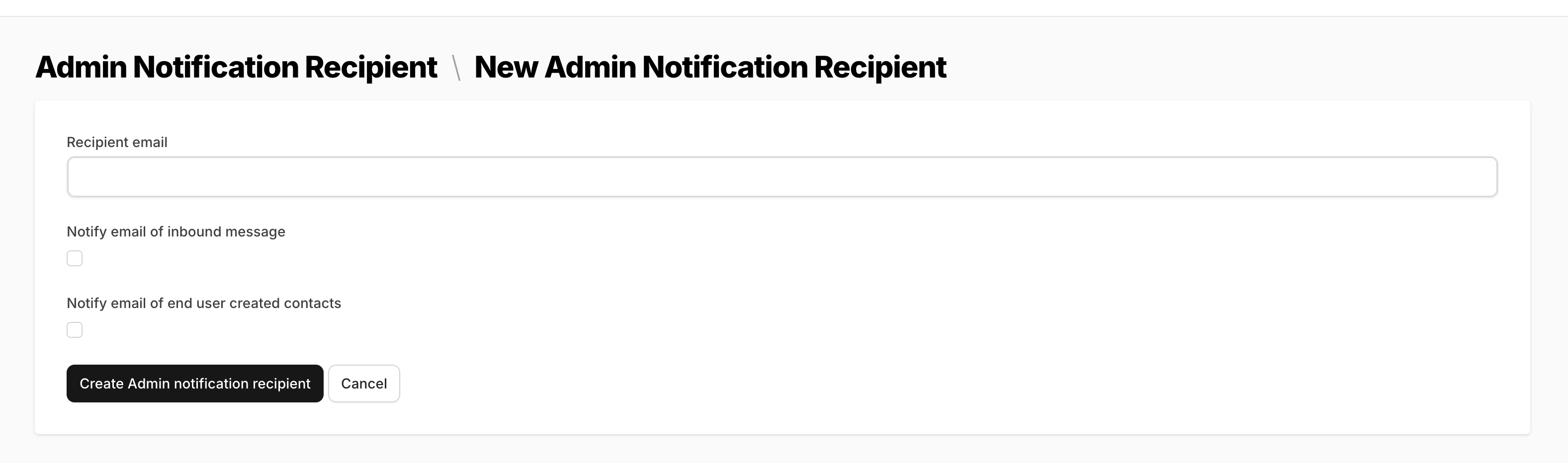
- You will be directed to a simple page where you need to enter the email address to which you want notifications sent.
-
Be sure to hit the checkbox indicating you wish to be notified of inbound messages, end user created contacts, or select both if you would like to be notified of them both.
Key Reminder:
Do not enter multiple emails on this single page. Each email address for notifications should be set up individually.
.png)