Contact Lists
A contact list creates a list of contacts based upon a filter or set of filters.
Create a Contact List
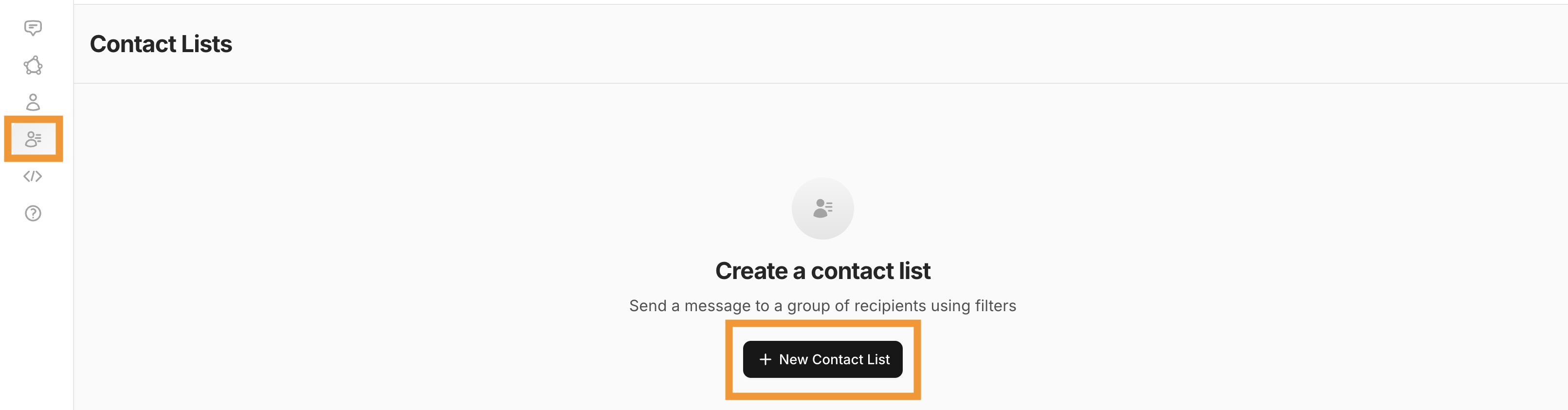
1.To begin creating contact lists, select the Contact Lists icon on the left-hand navigation bar. You'll then select New Contact List.
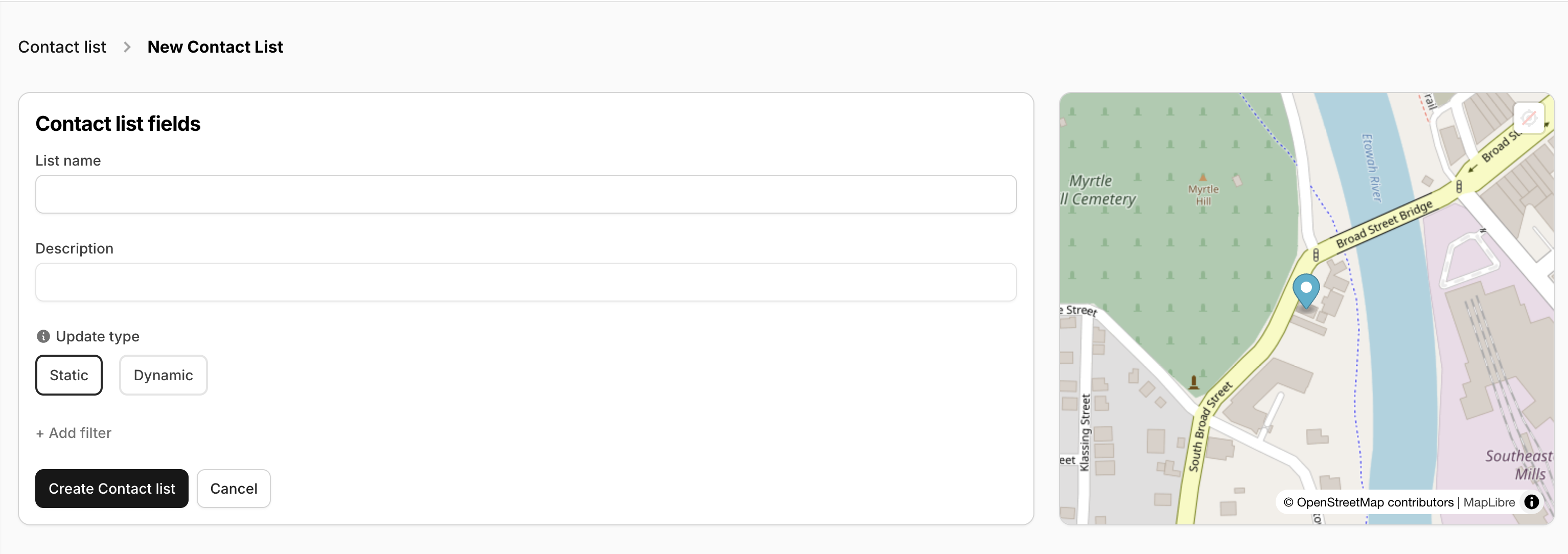
2. Provide a name and description for your list.
- The description field is optional but helpful!
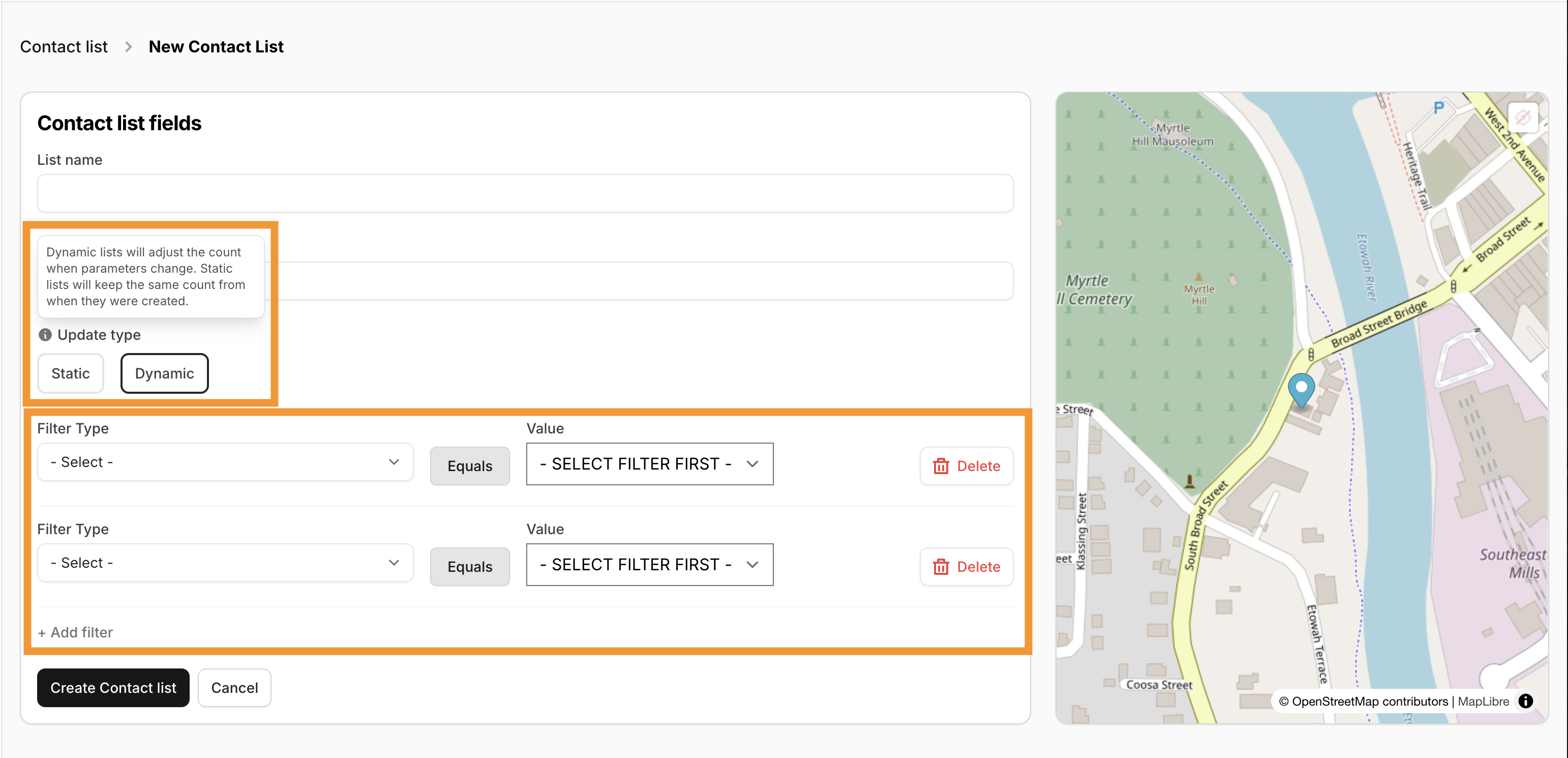
3. Select if you would like a Static or Dynamic list and set your filters.
- Dynamic Lists will adjust the contact count as parameters are met.
- Static lists do not update the contact count once the list is finalized/saved.
There is no limit to the amount of filters that may be applied to your list!
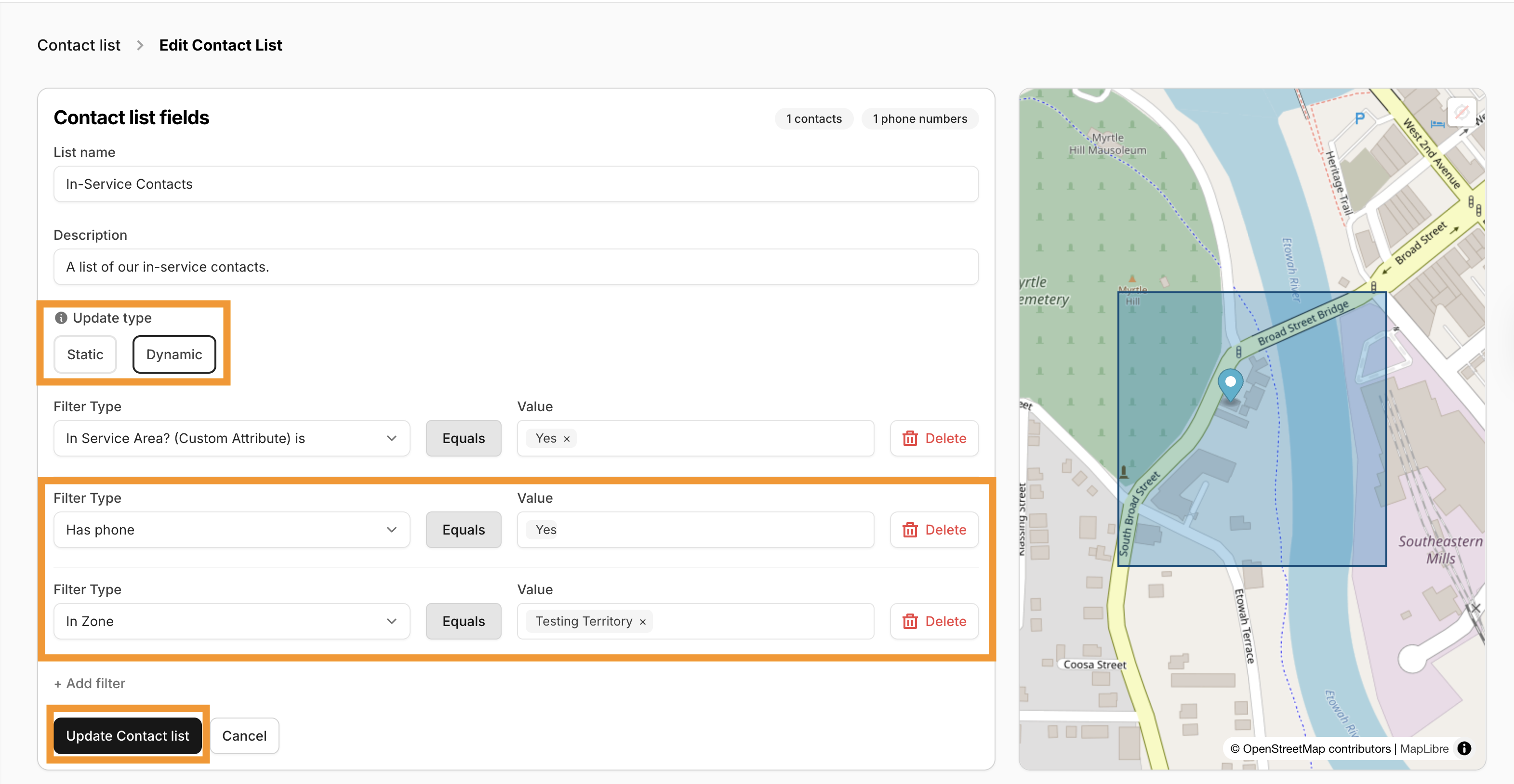
4. Select Create Contact List.
Viewing and Updating Contact Lists
Contact Lists may be viewed, updated, or deleted by selecting the Contact Lists icon on the left-hand navigation bar - this will open your Contacts List index. From the Actions drop down menu, you will then have the option to View/Edit or Delete the list.
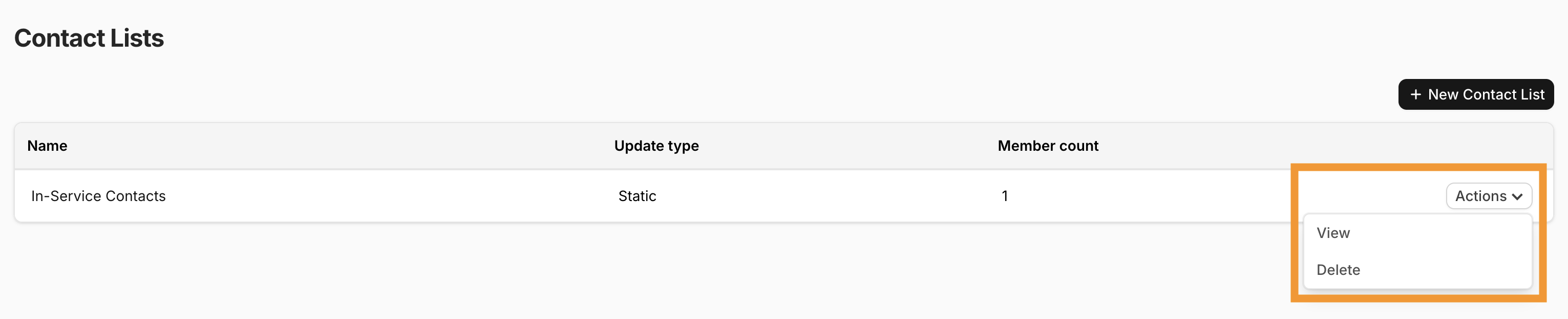
Here you may View or Delete your current contact lists.
Selecting View allows you to update the fields, type of the list, and edit the filters associated with the list.