Widgets
How can I use Widgets?
- Embed flexible widgets on your website to display real-time outage information.
- Widgets can show different levels of information, from high-level alerts on a homepage to detailed maps on a dedicated status page.
- Users can configure a widget to show nothing by default and then pop up text or updates when a problem occurs.
Create a New Widget
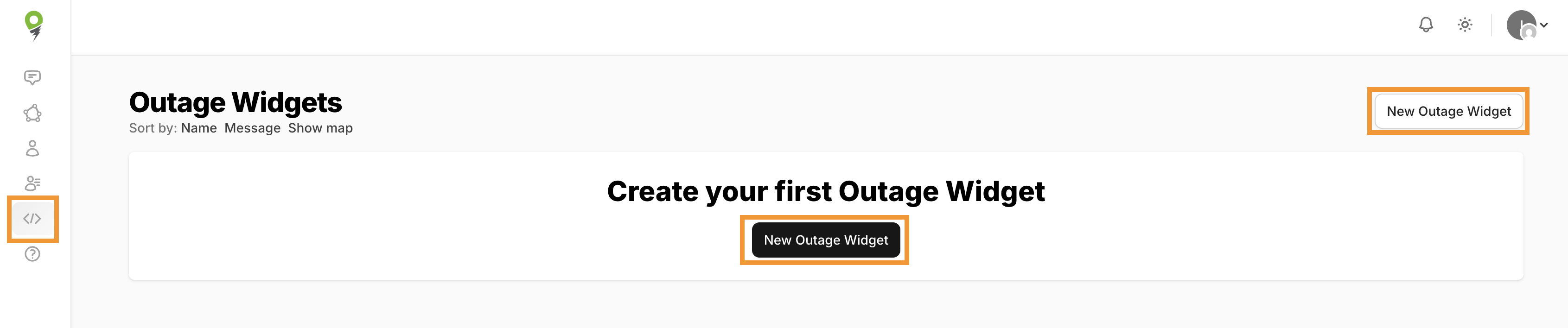
1. To create a widget, first navigate to the Widget page.
2. Select New Outage Widget
3. Here you will name your widget and provide any messaging you'd like to display.
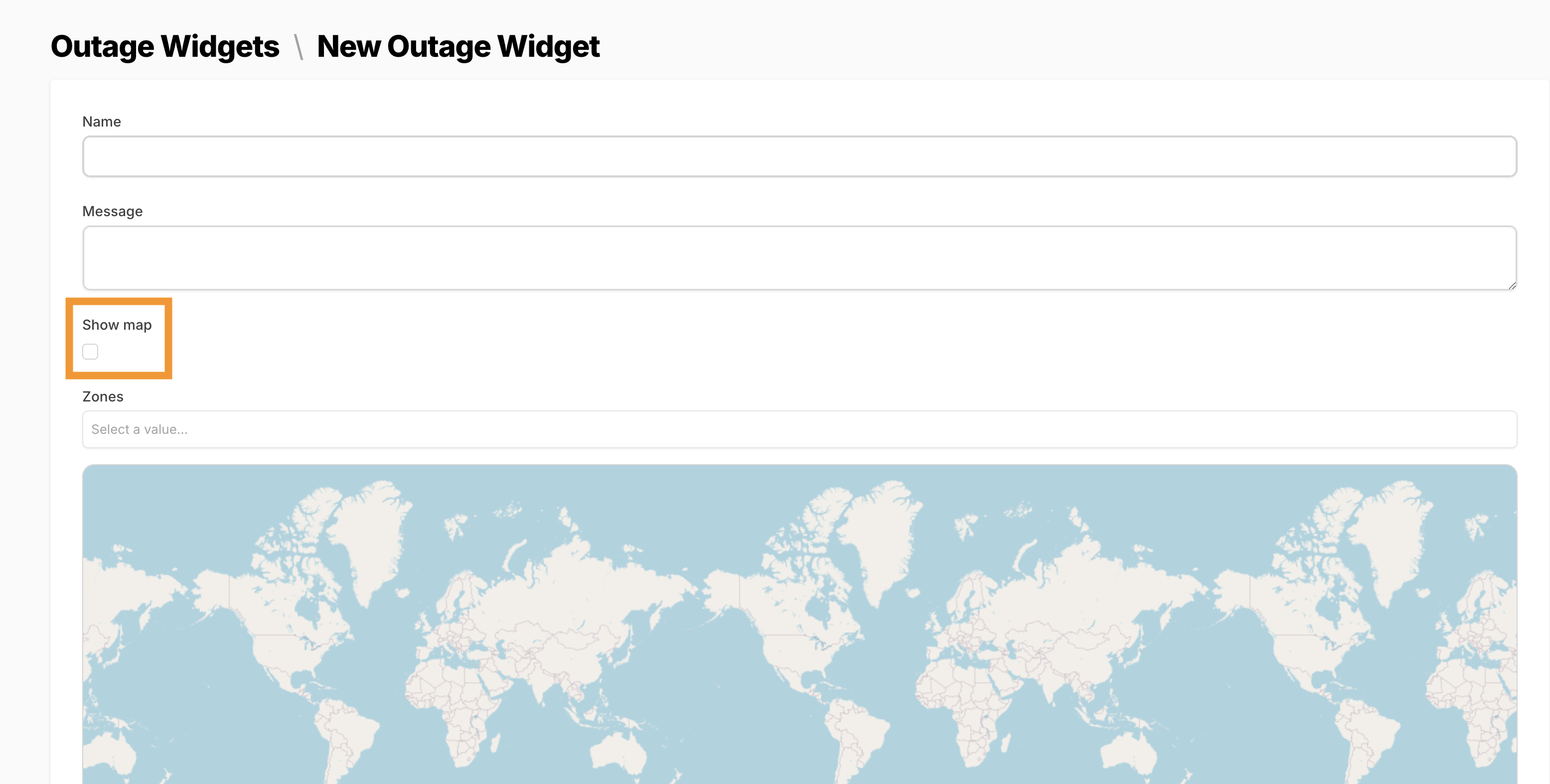
Additionally, you may create a widget displaying a map and can select what zone or zones to display within that map.
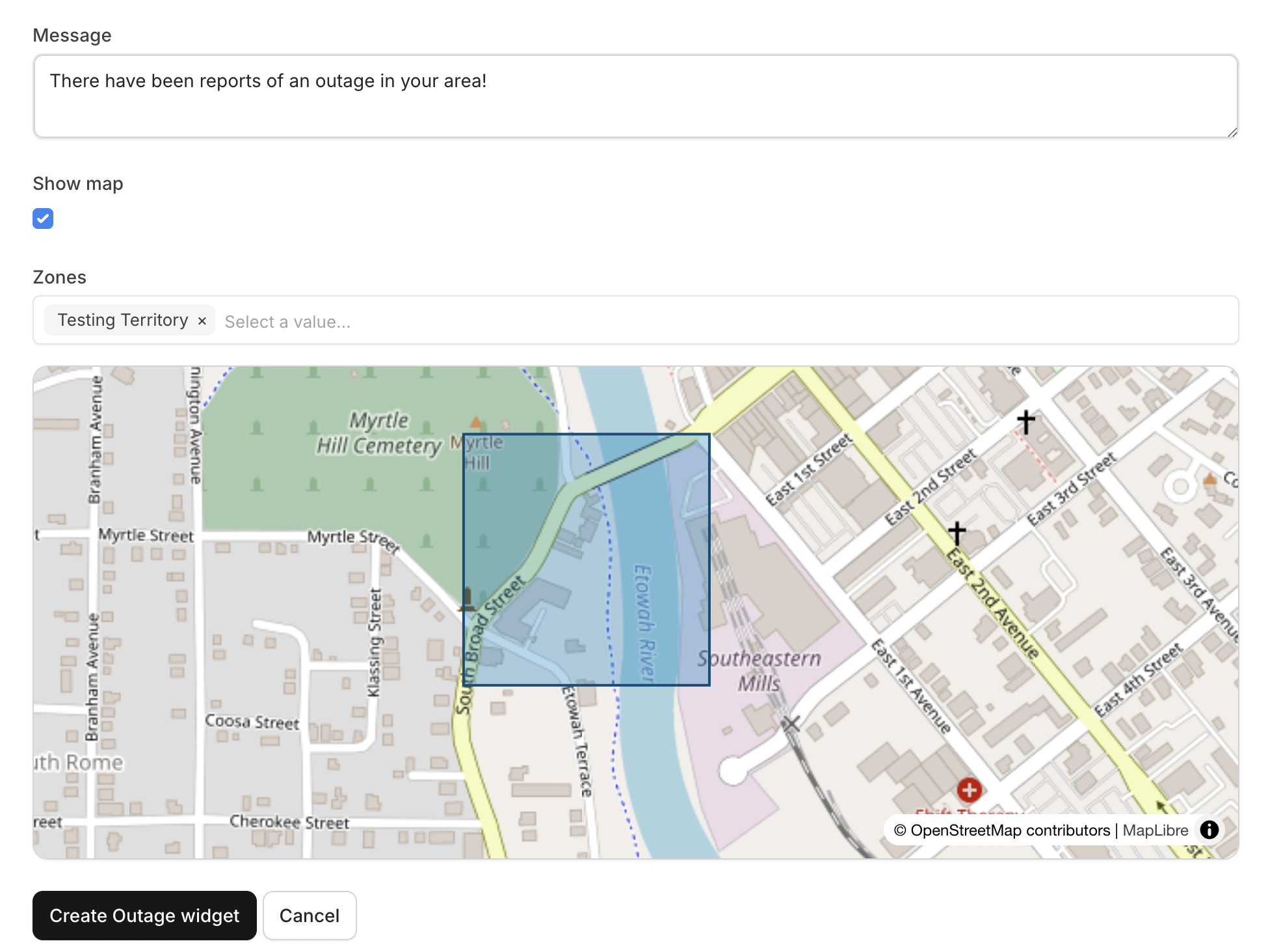
4. Select Create Outage widget
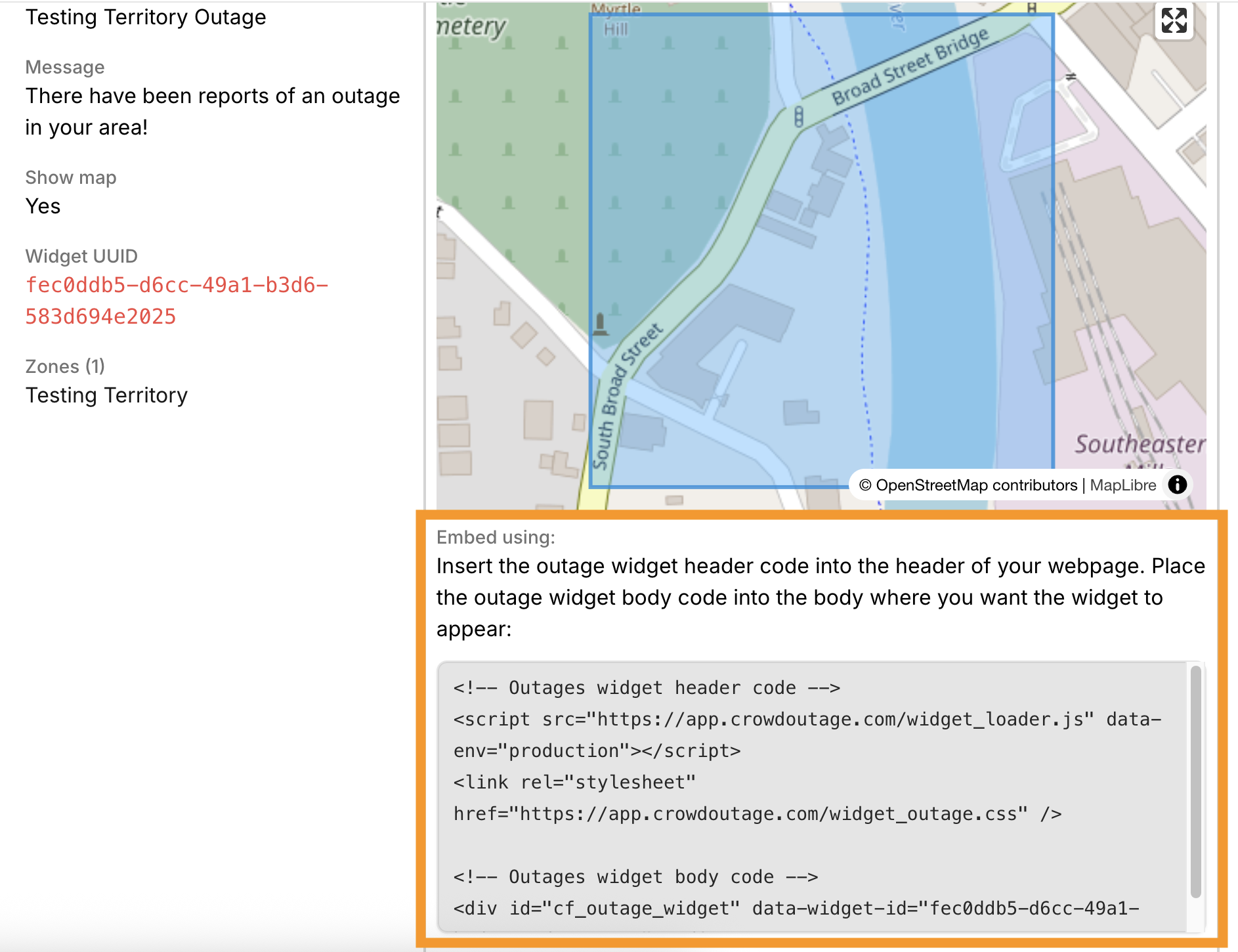
When you create your widget, you will be redirected to a page displaying the new widget. On this page, you will also be provided with code snippets to use to embed your widget onto your page.
Widgets Index
In the Widgets page, an index of all existing Widgets are displayed with the ability to view them individually. The widgets index may be sorted by name, message, or by widgets that show the map.
When viewing the widget, a code snippet is provided to embed your widget within your site.
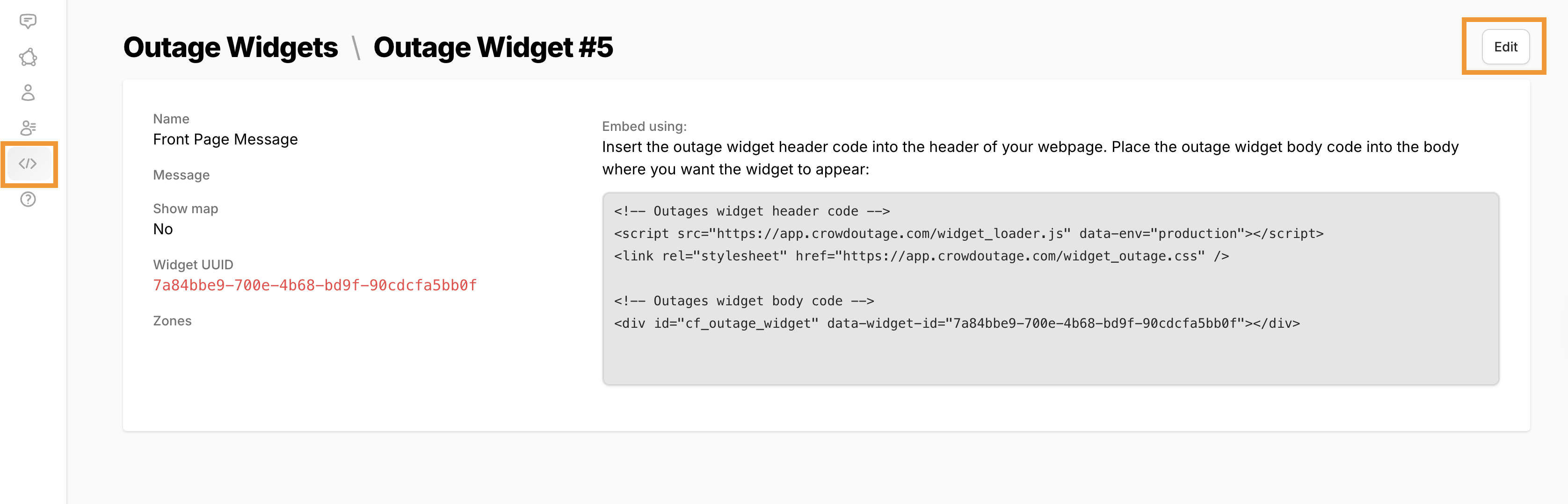
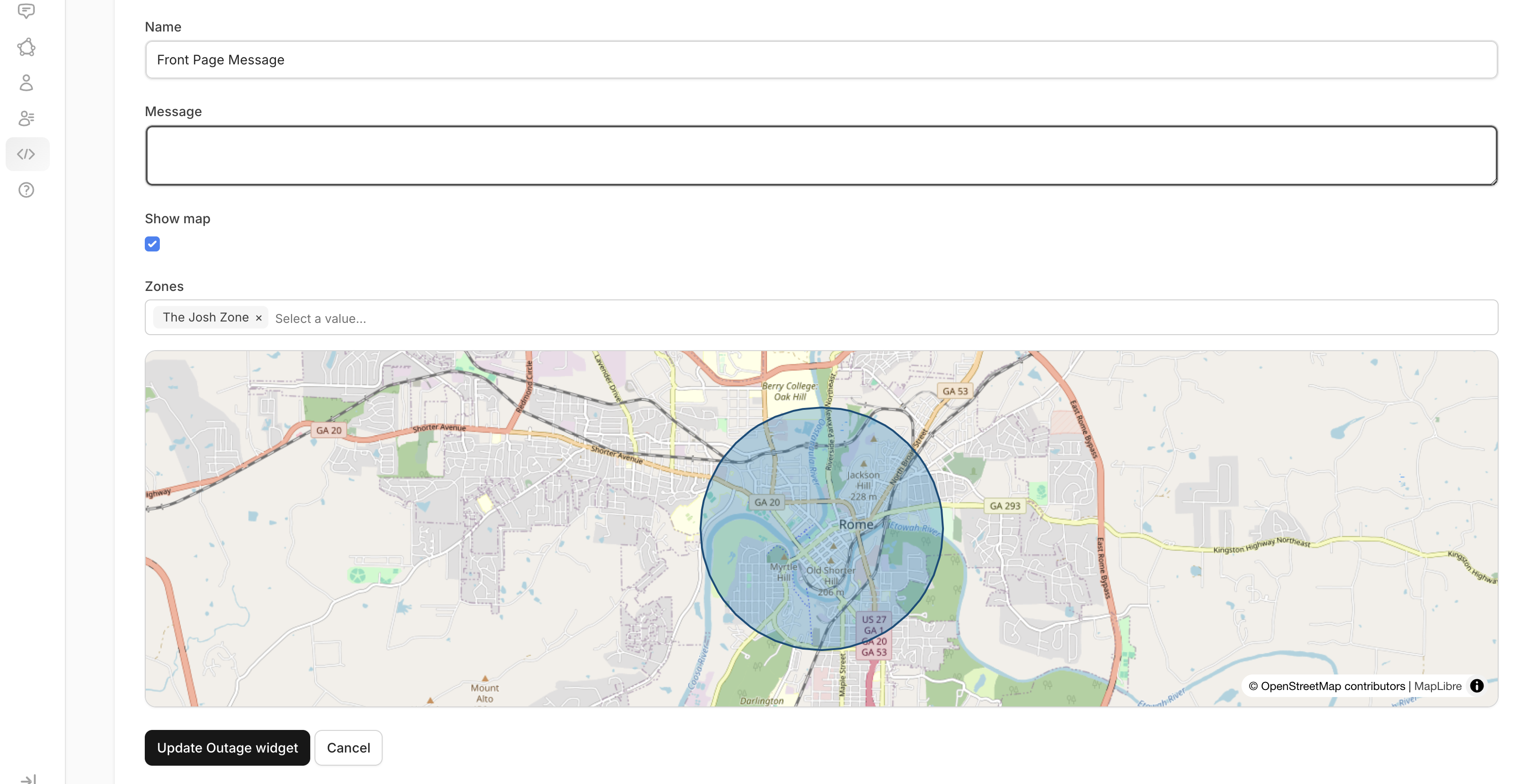
In this view, widgets may be edited as well!