Zone Tools: Glossary
For creating your zones, we have a variety of tools that you may use to navigate your map, draw custom shapes, edit existing shapes, or even to zoom to your current location to create a zone there!
To display the names of each of the tools, simply hover over the tool.
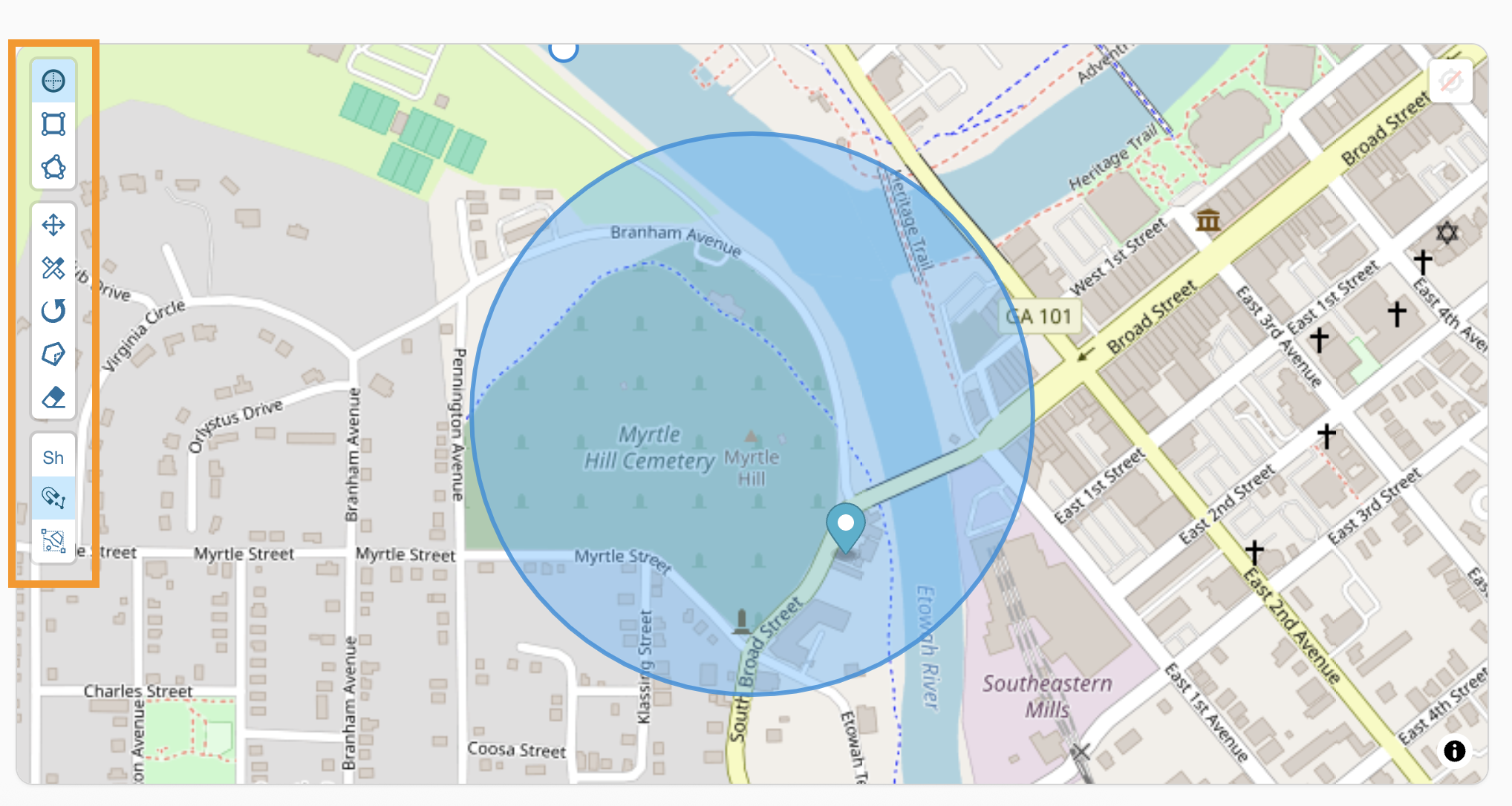
Drawing Tools
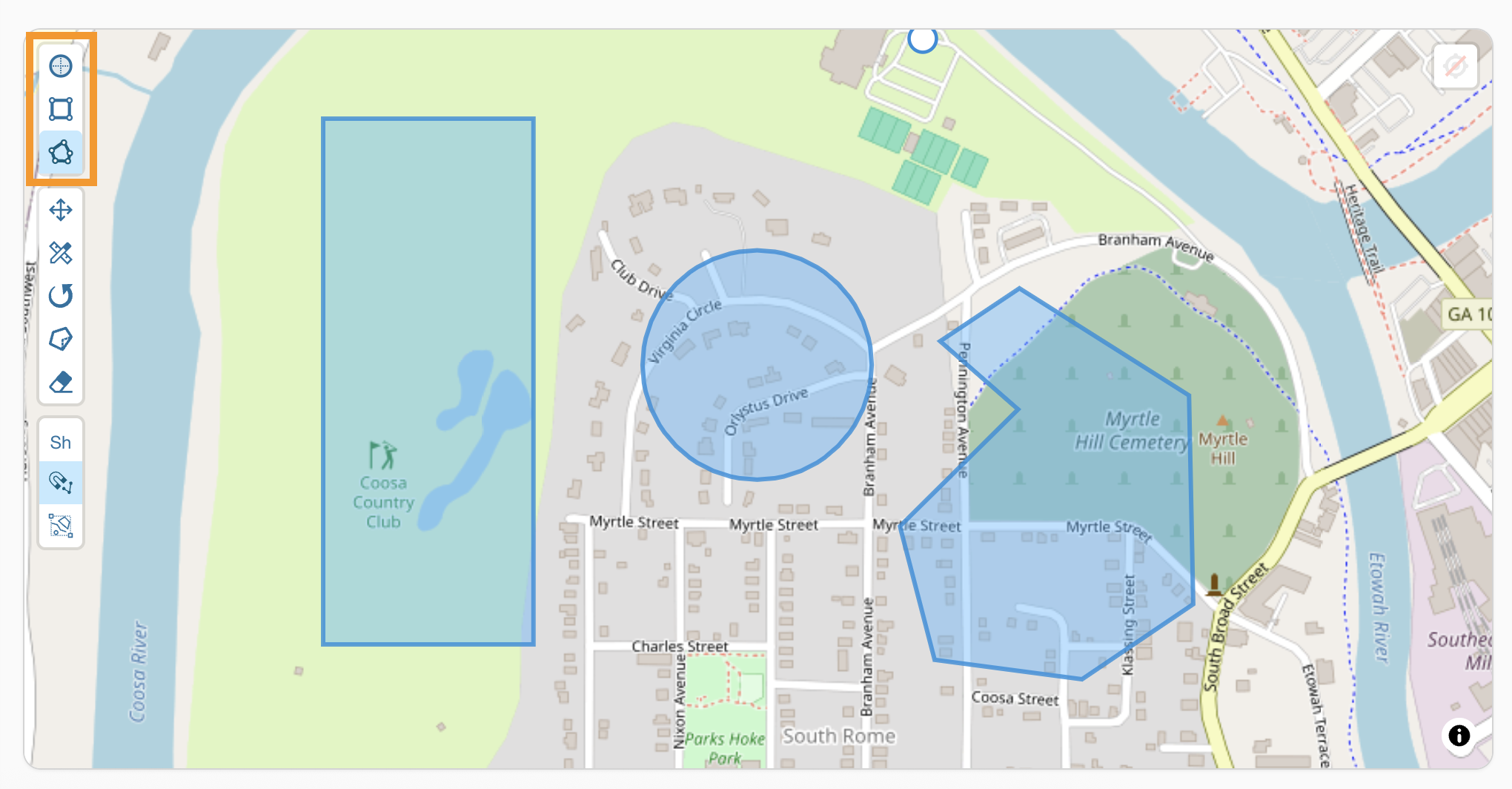
We have circle, rectangle, and polygon drawing tools available to created a variety of shapes for your zones.
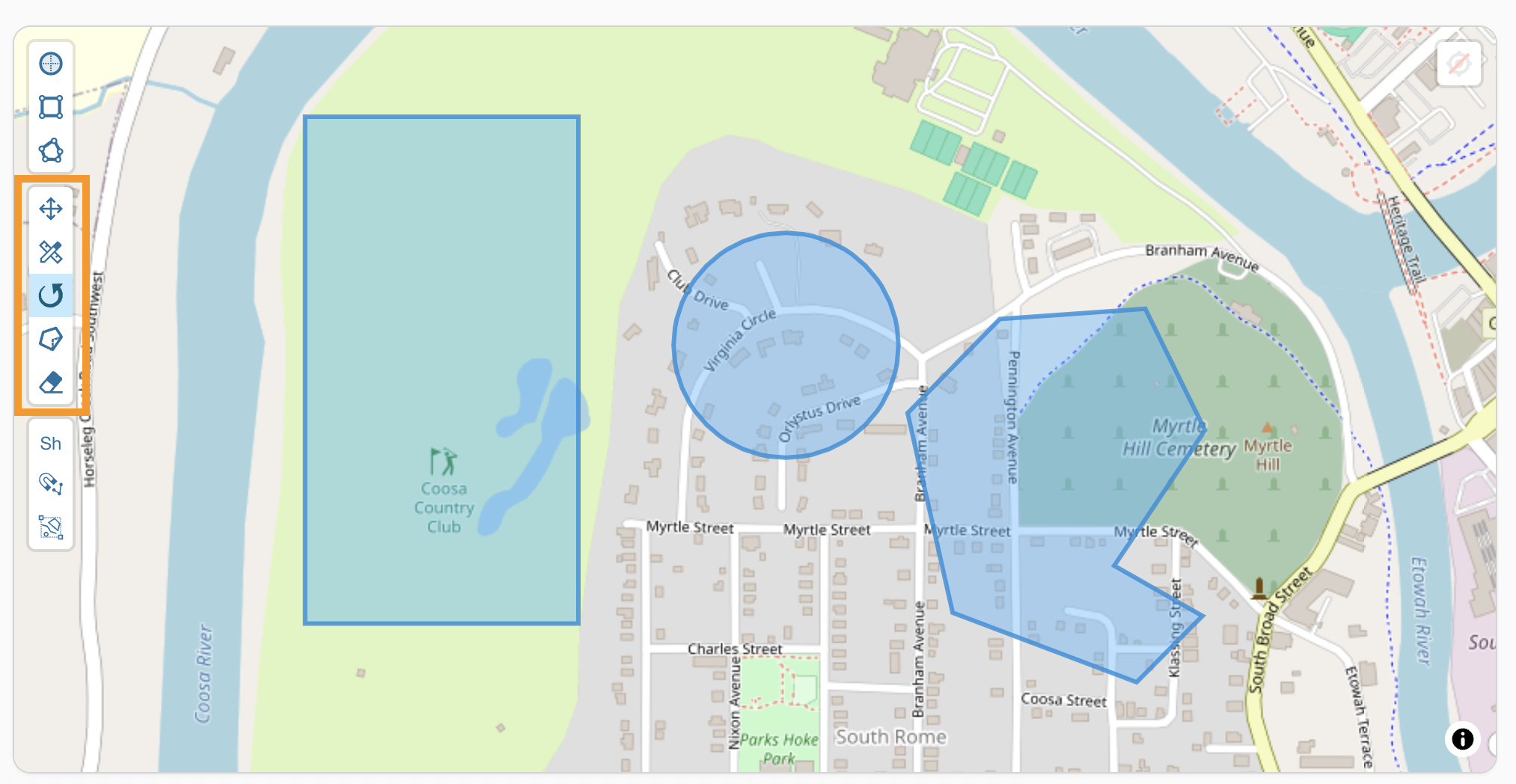
Editing Tools
Drag
- This tool allows you to move your entire shape.
Change
- This tool allows you to adjust the boundaries of the shape.
Rotate
- This tool will rotate your shape.
Cut
- This tool will allow you to further customize your zones by enabling you to "cut" into the shape to exclude a portion of the shape from the zone.
Delete
- This tool will delete your shape.
Additional Tools
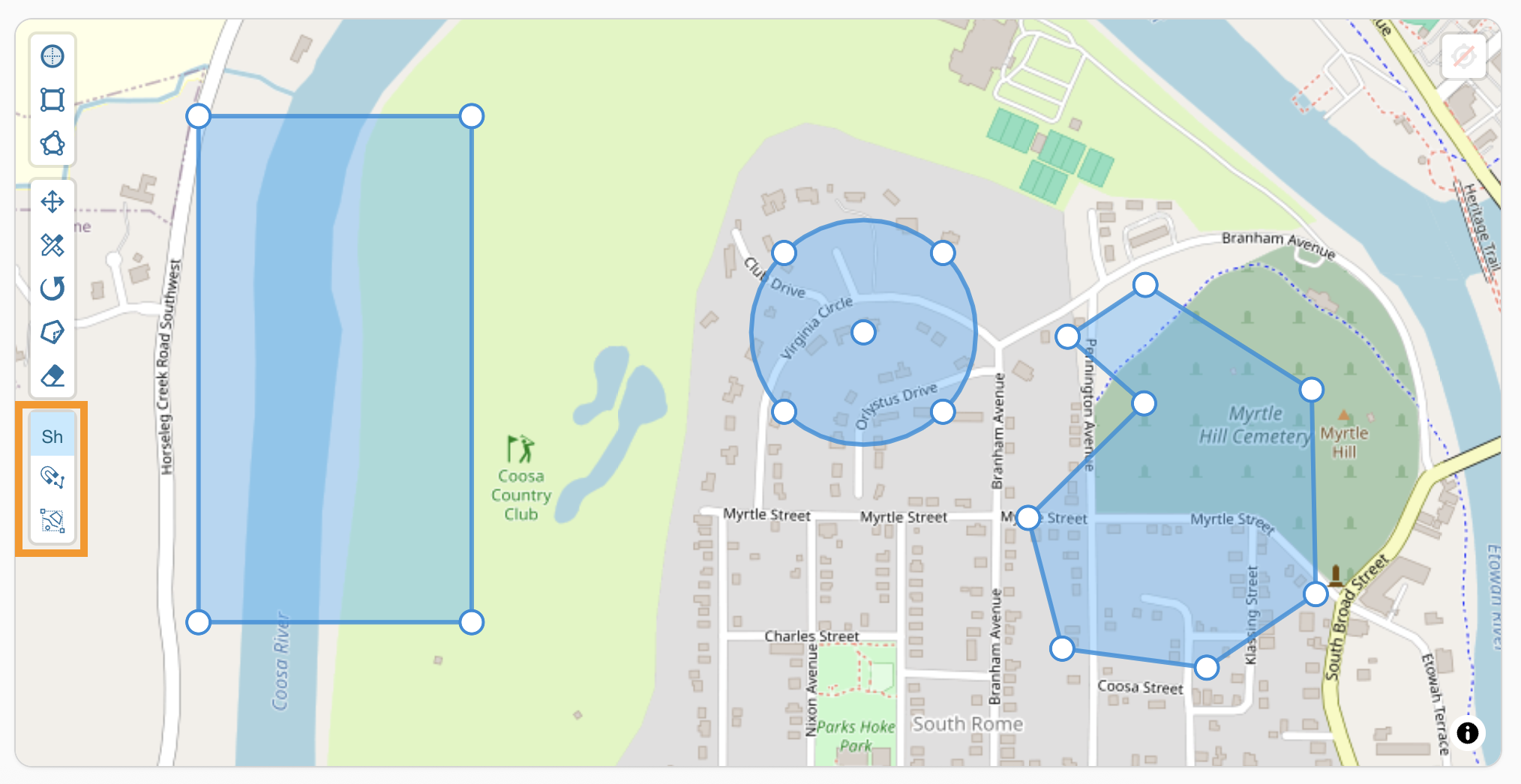
Shape Markers
- This tool will display each of the points within your shapes.
Snapping
- When selected, you can use this tool to view a shape within your map more closely.
Zoom to Features
- This tool will zoom in or out to display your all shape(s) in the zone within the map.